
WhatsApp Business API: What You Need

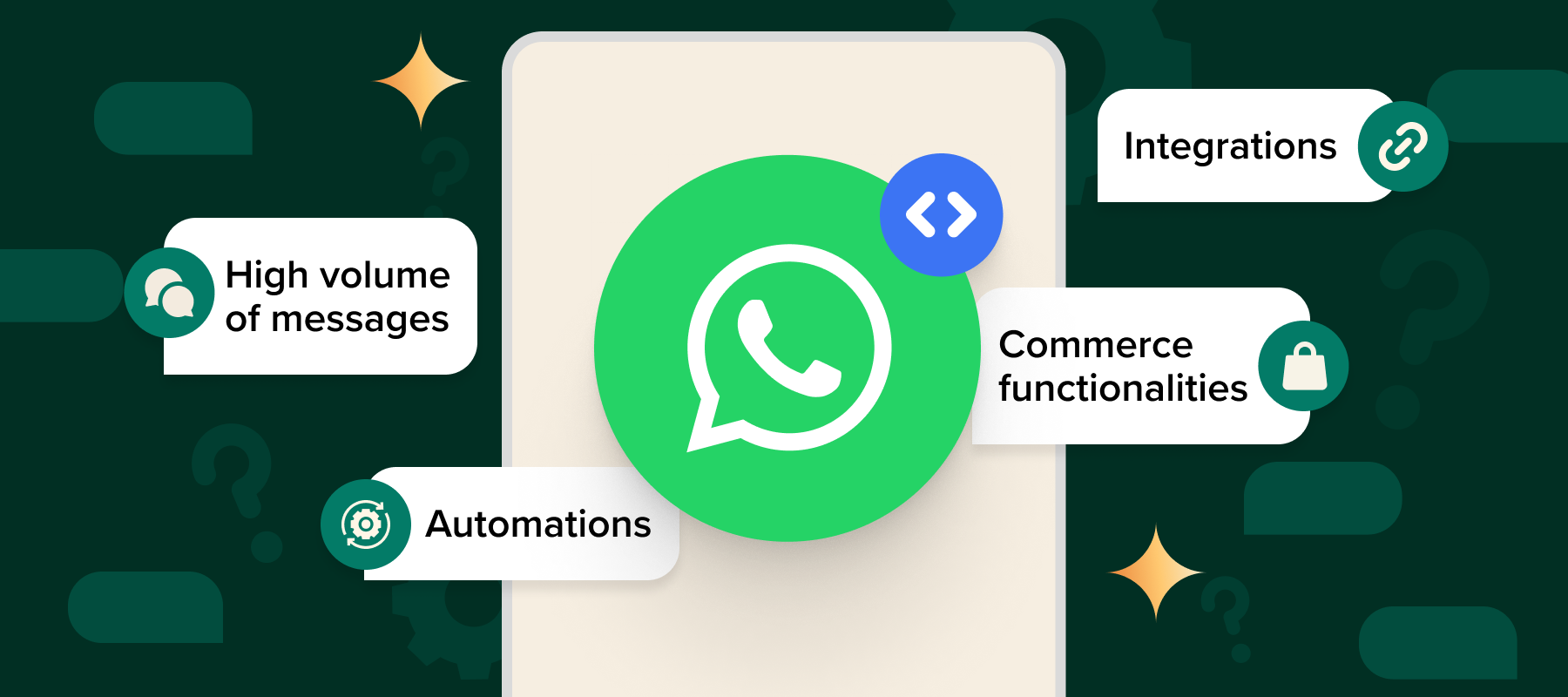
WhatsApp Business API : WhatsApp has become one of the most powerful platforms for customer communication. With over 2.7 billion active users, businesses cannot ignore the potential of using WhatsApp for marketing, sales, and customer support. While WhatsApp Business App is suitable for small businesses, medium and large enterprises often require more advanced features. That’s where the WhatsApp Business API comes into play.
In this article, we will explain everything you need to know about the WhatsApp Business API, how it differs from the WhatsApp Business App, its features, benefits, use cases, and how you can get started.
What is WhatsApp Business API?
The WhatsApp Business API is a powerful communication interface developed by Meta (formerly Facebook) that allows medium and large businesses to:
- Send and receive messages at scale
- Automate responses using bots
- Integrate with CRM systems
- Provide 24/7 customer support
- Send bulk notifications and updates
Unlike the free WhatsApp Business App, the API is not a standalone application. Instead, it is an interface that requires technical setup and integration with third-party providers (known as WhatsApp Business Solution Providers or BSPs).
WhatsApp Business App vs. WhatsApp Business API
Many people confuse the Business App with the API, but they serve different needs.
Here’s a comparison chart:
| Feature | WhatsApp Business App | WhatsApp Business API |
|---|---|---|
| Best For | Small businesses | Medium & large enterprises |
| Number of Users | 1 device per number | Multiple agents via CRM |
| Automation | Limited quick replies | Advanced chatbots & AI |
| Message Volume | Low to moderate | High, bulk messaging supported |
| Integration | Not supported | CRM, ERP, Helpdesk integrations |
| Costs | Free | Paid (based on messages and provider fees) |
| Scalability | Limited | Highly scalable |
👉 For an in-depth understanding of Broadcast Lists vs Groups, check our detailed guide: Broadcast Lists vs Groups Explained
Key Features of WhatsApp Business API
- Bulk Messaging at Scale
Send promotional campaigns, reminders, and alerts to thousands of users in one go. - Two-Way Communication
Customers can reply, and support agents or bots can handle conversations. - Chatbot Integration
Automate FAQs, appointment bookings, and order confirmations. - Rich Media Messaging
Send images, videos, documents, and interactive buttons for better engagement. - CRM Integration
Connect with tools like Salesforce, HubSpot, or Zoho for seamless data management. - Multi-Agent Support
Multiple team members can handle conversations simultaneously. - Message Templates
Use pre-approved templates for transactional and promotional messages.
Benefits of Using WhatsApp Business API
- Improved Customer Experience: Provide instant responses 24/7.
- High Open Rates: WhatsApp messages have an open rate of over 98%, much higher than emails.
- Secure & Reliable: End-to-end encryption ensures privacy.
- Better Engagement: Rich media and interactive buttons improve response rates.
- Cost-Effective Marketing: Pay only for the messages sent or received.
Common Use Cases
- Customer Support
Solve customer queries instantly with automated bots or live agents. - E-Commerce & Retail
Send order updates, delivery tracking, and personalized recommendations. - Finance & Banking
Provide balance alerts, transaction updates, and fraud notifications. - Healthcare
Share appointment reminders, prescriptions, and test reports securely. - Education
Deliver class schedules, reminders, and course updates.
👉 If you want to explore tools that make automation easier, check out our full guide: Tools to Automate WhatsApp Marketing
How to Get WhatsApp Business API
Setting up the API involves a few steps:
- Choose a Business Solution Provider (BSP)
Since WhatsApp does not directly provide the API, you need to work with an official BSP like Twilio, 360dialog, or Gupshup. - Get Facebook Business Manager Verified
Your business must be verified through Facebook Business Manager. - Request API Access
Apply via your chosen BSP to gain access to the WhatsApp Business API. - Set Up Phone Number
A dedicated phone number is required for API use. - Integrate with CRM/Chat Platform
Connect the API with your CRM or customer service software.
WhatsApp API Pricing
Unlike the free Business App, the API follows a pay-per-message model. Costs depend on:
- The BSP you choose
- Country-specific rates
- Number of sessions and templates used
Example (approximate):
- User-Initiated Messages (customers message you first) – lower cost
- Business-Initiated Messages (you message first) – slightly higher cost
Challenges of WhatsApp Business API
While powerful, businesses should be aware of a few challenges:
- Approval Process: Business verification and template approval may take time.
- Costs: Paid model, which may not be suitable for very small businesses.
- Technical Setup: Requires integration with BSPs and CRM systems.
Is WhatsApp Business API Right for You?
- If you are a small business with limited customer interaction → use the WhatsApp Business App.
- If you are a growing or large enterprise with high customer interaction, multiple agents, and a need for automation → the WhatsApp Business API is the best choice.
Conclusion
The WhatsApp Business API is a game-changer for businesses looking to enhance customer communication, streamline support, and run scalable marketing campaigns. Unlike the free Business App, the API allows automation, bulk messaging, CRM integration, and multi-agent support, making it perfect for enterprises.
If you are ready to take your WhatsApp marketing to the next level, start exploring API solutions and integrate them with your existing systems.
👉 Want to master WhatsApp marketing and automation? Enroll in our detailed course here: WhatsApp Automation Mastery

 Subscription
 Performance Subscription
 Premium Subscription
 Base Subscription
 Furniture
 Bed
Bed Kitchen
 Almirah and Wardrobe
 LCD Cabinet
 Verified Partner
 Earn Money
 AI & Data Science
 Business & Startup
 Cybersecurity & Cloud
 E-commerce & Sales
 Marketing & Growth
 Web/App Development
 AI Digital Marketing
 Certificate Assessment Test

 Register for Learning