
Use WhatsApp for Webinar Reminders

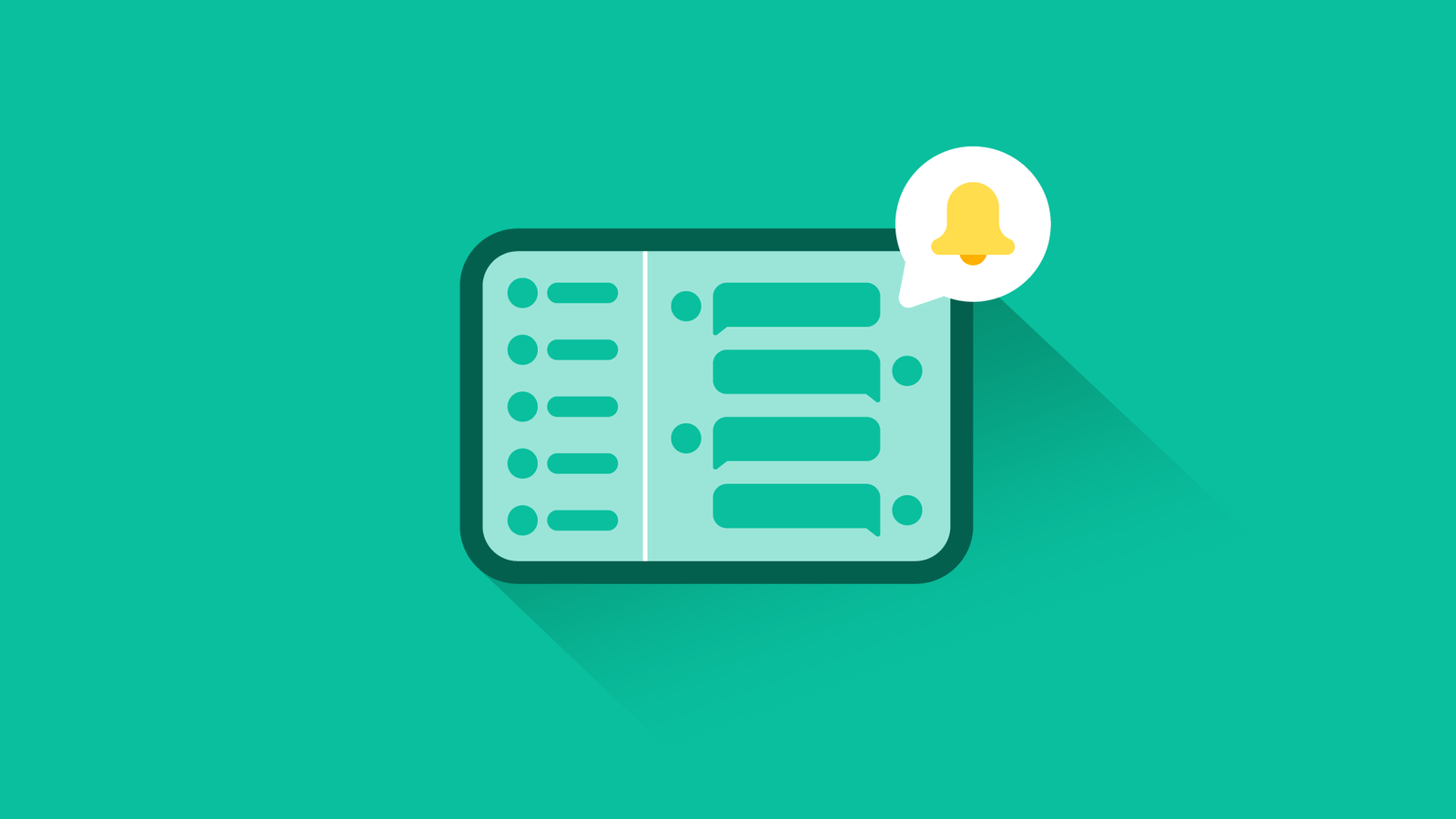
Use WhatsApp for Webinar Reminders to boost attendance, reduce no-shows, and keep participants engaged throughout your online sessions. Unlike emails that often get buried in cluttered inboxes, WhatsApp messages enjoy an open rate of over 90%, making it one of the most effective tools for sending timely and personalized reminders. For businesses, coaches, educators, and event organizers, leveraging WhatsApp ensures that your webinars reach the right audience at the right time.
In this article, we will explore how WhatsApp can be used for webinar reminders, compare it with traditional channels, discuss strategies for automation, and highlight integration options with CRM systems and WhatsApp marketing platforms.
Why Choose WhatsApp for Webinar Reminders?
Traditional reminder methods such as emails and SMS often suffer from low engagement. Emails may end up in the spam folder, while SMS messages are typically restricted by character limits and lack multimedia capabilities.
Here’s how WhatsApp stands out:
- Higher Engagement: Participants are more likely to read and respond to a WhatsApp message than an email.
- Multimedia Options: You can send reminder messages with visuals, infographics, or even a teaser video.
- Interactive Reminders: With buttons and quick replies, users can confirm attendance, reschedule, or ask questions instantly.
- Two-Way Communication: Unlike email, WhatsApp allows participants to reply instantly, helping organizers resolve doubts before the event.
Compared to email, which may take hours to get noticed, a WhatsApp reminder often gets read within minutes, making it ideal for last-minute webinar engagement.
Building an Effective Webinar Reminder Strategy with WhatsApp
A strong reminder strategy ensures that registrants actually show up. Here’s a breakdown:
1. Initial Confirmation Message
Send a personalized thank-you note immediately after registration. This builds trust and keeps participants assured that their spot is confirmed.
2. Day-Before Reminder
Send a message with the date, time, and webinar link a day before the session. Including an “Add to Calendar” button ensures participants won’t forget.
3. One-Hour Reminder
A short, direct reminder one hour before the webinar helps reduce drop-offs. This message can include a direct link to join the webinar.
4. Live Countdown or Last Call
For high-value webinars, a live countdown or last call message five minutes before starting ensures participants don’t miss it.
5. Follow-Up After the Webinar
Send participants the recording link, presentation slides, or a thank-you message. You can also include a call-to-action for future webinars or products.
WhatsApp vs Email vs SMS for Webinar Reminders
| Feature | SMS | ||
|---|---|---|---|
| Open Rate | 90%+ | 20–30% | 70% |
| Delivery Speed | Instant | Delayed (may go to spam) | Instant |
| Multimedia Support | Text, images, video, buttons | Rich media supported | Limited to text only |
| Engagement Level | Very High | Medium | Low |
| Two-Way Interaction | Yes | Limited | Very limited |
Clearly, WhatsApp outperforms both email and SMS when it comes to keeping webinar audiences engaged.
Automating Webinar Reminders with WhatsApp
Manually sending reminders is not feasible when dealing with hundreds of participants. That’s where WhatsApp automation plays a key role.
Automation allows you to:
- Schedule reminders at specific intervals (confirmation, day-before, one-hour before, etc.).
- Personalize reminders with the participant’s name and webinar details.
- Send dynamic messages such as unique joining links or seat confirmations.
- Manage replies automatically using chatbots.
If you are interested in setting up automation, check out our guide on Personalize Sales with WhatsApp Bots.
Integrating CRM with WhatsApp for Webinar Management
To maximize effectiveness, businesses should integrate their CRM systems with WhatsApp. This allows organizers to sync registrant data automatically, track engagement, and send reminders without manual effort.
For example, if you are using HubSpot, Salesforce, or Zoho, integrating WhatsApp ensures that every registrant automatically receives scheduled reminders. This also helps in tracking who attended, who missed, and who engaged post-webinar.
Learn more about this process in our detailed article on Integrate CRM with WhatsApp Easily.
Tracking Webinar Campaign Performance on WhatsApp
Sending reminders is only half the work—tracking results ensures you understand how effective your strategy is.
You should monitor metrics like:
- Delivery rate (how many reminders were successfully delivered).
- Open rate (number of participants who read the reminder).
- Click-through rate (participants who clicked the join link).
- Response rate (participants engaging with quick replies).
Tools like WhatsApp Business API provide analytics dashboards to measure performance. For a step-by-step breakdown, see our guide on How to Track WhatsApp Campaigns.
Compliance Considerations
While WhatsApp reminders are effective, businesses must comply with WhatsApp’s compliance rules. Sending unsolicited messages can get your account restricted. Always:
- Collect explicit consent from participants.
- Use templates approved by WhatsApp for reminders.
- Avoid spamming participants with too many messages.
For a deeper understanding, explore our guide on WhatsApp Compliance Rules.
Real-Life Use Cases
- Educational Institutions: Universities use WhatsApp to remind students of online lectures and webinars.
- Corporate Training: Companies use reminders to ensure employees attend skill-building webinars.
- Coaches & Consultants: Independent trainers send reminders to boost attendance at free and paid webinars.
- Event Marketing: Businesses use reminders as part of their lead nurturing funnel.
Compared to email reminders, which often go unnoticed, WhatsApp reminders increase attendance rates by up to 40% in real-life implementations.
Conclusion
Using WhatsApp for webinar reminders is no longer optional—it is a necessity for anyone aiming to maximize attendance and engagement. With higher open rates, faster delivery, and interactive features, WhatsApp far outperforms email and SMS reminders. By integrating WhatsApp with your CRM, automating reminders, and tracking performance, you can create a seamless webinar experience for participants.
If you are planning to improve your webinar attendance and want to explore WhatsApp automation, check out our complete guide on WhatsApp Marketing Strategies.

 Subscription
 Performance Subscription
 Premium Subscription
 Base Subscription
 Furniture
 Bed
Bed Kitchen
 Almirah and Wardrobe
 LCD Cabinet
 Verified Partner
 Earn Money
 AI & Data Science
 Business & Startup
 Cybersecurity & Cloud
 E-commerce & Sales
 Marketing & Growth
 Web/App Development
 AI Digital Marketing
 Certificate Assessment Test

 Register for Learning