
Python GUI Projects to Try in 2025

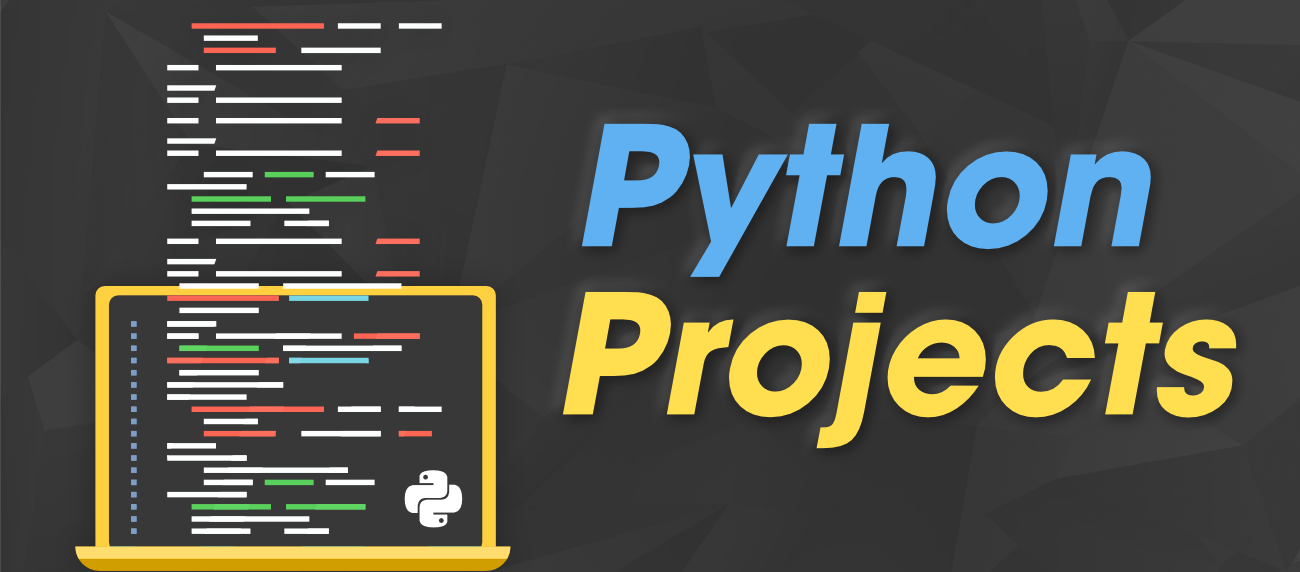
Python GUI Projects to Try in 2025 are the perfect way for beginners and intermediate coders to enhance their practical skills in real-time application development. Whether you’re learning Python for fun, career growth, or as a stepping stone to data science or web development, building graphical user interface (GUI) projects can set you apart from the crowd. With frameworks like Tkinter, PyQt, and Kivy, GUI projects provide visual interaction, making your coding journey more exciting.
If you’re new to Python, begin with our full Learn Python in 30 Days Plan to build a strong foundation before diving into GUI-based applications.
Why Focus on GUI Projects in 2025?
In 2025, the demand for developers with real-world project experience continues to grow. Python GUI projects offer a brilliant way to:
- Understand backend-to-frontend communication
- Practice logic structuring with user interaction
- Create portfolio-worthy applications
Unlike standard console projects, GUI projects simulate real software experiences, offering a better understanding of user-centric design.
Top Python GUI Projects to Try in 2025
Here are some project ideas you can explore as a fresher or intermediate learner:
1. Simple Calculator using Tkinter
This is the classic beginner GUI project. Using Tkinter, Python’s standard GUI library, you can create a simple calculator with buttons, entry widgets, and labels. This teaches you event handling and widget placement.
Before you start, make sure you’re familiar with Python Functions Explained with Examples and How to Use Loops in Python Easily.
2. To-Do List Manager
Build a GUI-based to-do app where users can add, delete, and mark tasks as complete. Add a backend file to save the list using File Handling in Python Made Simple. Enhance it by using a database or saving as JSON.
This project introduces you to user input management and storing data persistently.
3. Weather App with API Integration
Create a GUI app that fetches real-time weather data from an external API. Use How to Work with APIs Using Python as a guide to integrate and display the data using Tkinter or PyQt.
You’ll learn how to process JSON responses and update GUI elements dynamically.
4. Student Management System
Develop a mini software to manage student records — adding, deleting, updating information, and saving it to a file or database. This kind of project helps beginners understand GUI form handling, CRUD operations, and logical workflow. Revisit Object-Oriented Programming in Python to apply OOP principles effectively.
5. Python Notes App
Design a simple note-taking app with formatting options like bold, italic, and color change. Try adding file save/open features. You’ll need a good grasp of events, file I/O, and widget hierarchies.
This is a great follow-up to our Python Projects for Beginners in 2025 article.
6. Expense Tracker App
An expense tracker helps users add expenses, categorize them, and see monthly summaries. Use charts to visualize expenses by category using Data Visualization with Python.
Also explore Top Python Libraries You Should Learn for options like Matplotlib or Seaborn to enhance the GUI.
Tools and Libraries for Python GUI Projects
Here are the top libraries for creating GUI apps:
- Tkinter – Built-in, lightweight GUI framework.
- PyQt – Feature-rich library for complex UI.
- Kivy – Best for mobile and multitouch apps.
- wxPython – For creating native apps.
- CustomTkinter – Modern extension to Tkinter for stylish apps.
Don’t forget to understand error handling — see How to Handle Errors in Python to prevent crashes in your GUI apps.
Bonus: Tips for Freshers in 2025
If you’re just starting your journey into GUI, check out these articles:
- Python Coding Tips for Freshers
- Python for Web Development Basics
- Python for Data Science: Where to Start
And if you’re aiming to land a job in 2025, prepare with our expert Python Interview Questions for Freshers.
Final Thoughts
Learning Python GUI Projects to Try in 2025 is an essential step in growing from beginner to job-ready Python developer. Whether it’s a calculator, to-do app, or a weather dashboard, GUI projects train you in real-world development.
Want to get started with Python? Check out our guide on How to Install Python Step-by-Step.
And if you’re wondering which language to focus on first, read our article Python vs JavaScript: Which to Learn?.

 Subscription
 Performance Subscription
 Premium Subscription
 Base Subscription
 Furniture
 Bed
Bed Kitchen
 Almirah and Wardrobe
 LCD Cabinet
 Verified Partner
 Earn Money
 AI & Data Science
 Business & Startup
 Cybersecurity & Cloud
 E-commerce & Sales
 Marketing & Growth
 Web/App Development
 AI Digital Marketing
 Certificate Assessment Test

 Register for Learning